

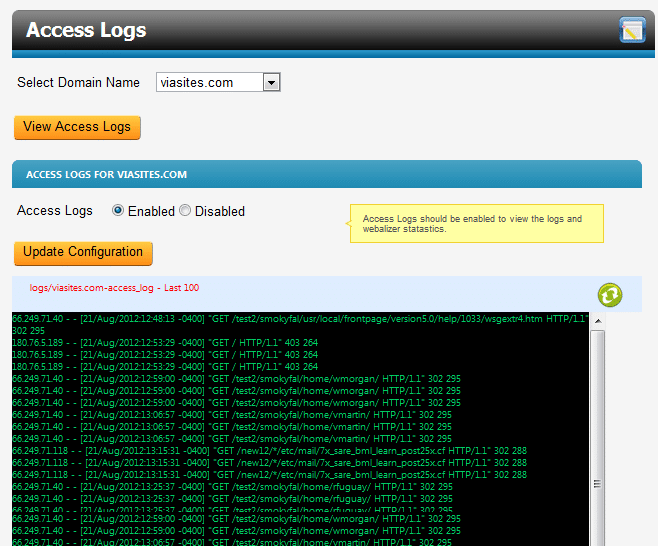
To access your logs, first click on Logs from the Website Management Tool, then click Access Logs. From here select the domain you wish to view access logs for and then click View Access Logs. You can also choose to enable or disable these logs on this screen, just click Update Configuration to save these settings. From the Access Logs page, you will be able to view the last 100 entries in your log file. You may use the refresh button in the top right to see the latest entries. Full logs are stored on your server at /www/logs.
Error Logs
To access your error logs, first click on Logs from the WMT, then click Error Logs. From here select the domain you wish to view error logs for and then click View Access Logs. You can also choose to enable or disable these logs on this screen, just click Update Configuration to save these settings. From the Error Logs page, you will be able to view the last 100 entries in your log file. You may use the refresh button in the top right to see the latest entries. Full logs are stored on your server at /www/logs.