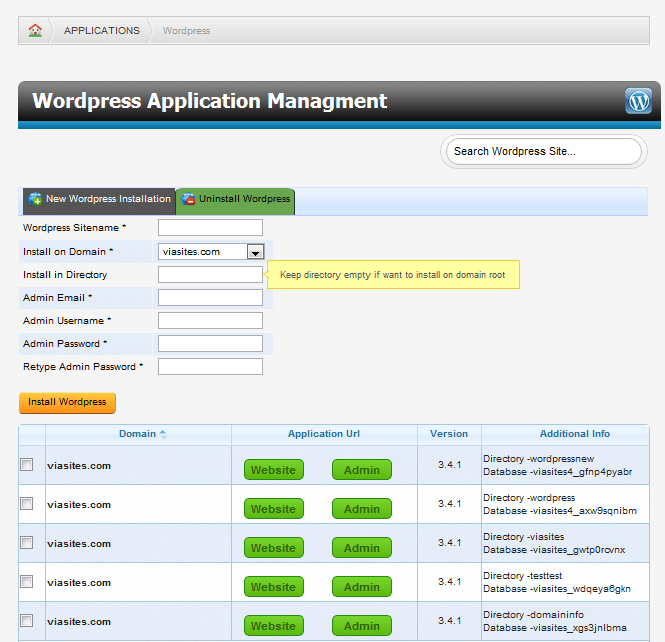
To install an application, click on the New Installation button on the application’s Application Management page (Access this page by clicking on Applications from the main Website Management Tool, and then click the Application you would like to install.
From here, you will fill out the information needed for that application. Most applications will require a Site Name, Domain Installation, Install Directory, and the Admin email, username, and password; however, some applications will require additional options. Once you have the required options set, click on the install button, then confirm the installation on the next screen.