

If you are looking for an FTP Client/Application, we can recommend two different popular and easy to use applications.
1. Filezilla
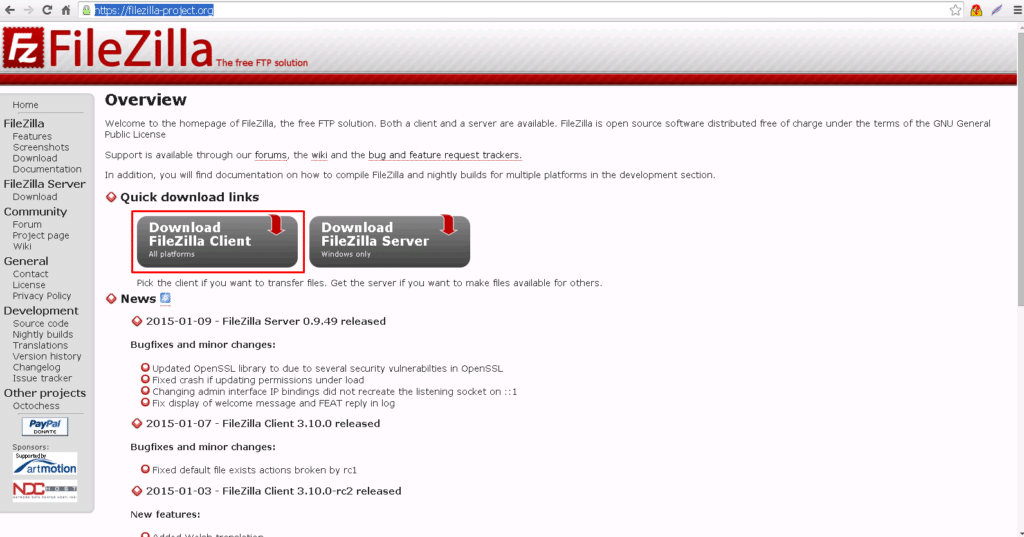
The first is called Filezilla and it is located here: https://filezilla-project.org.
When you access the page just click on “Download Filezilla Client all Platforms” as shown below.
2. WinSCP
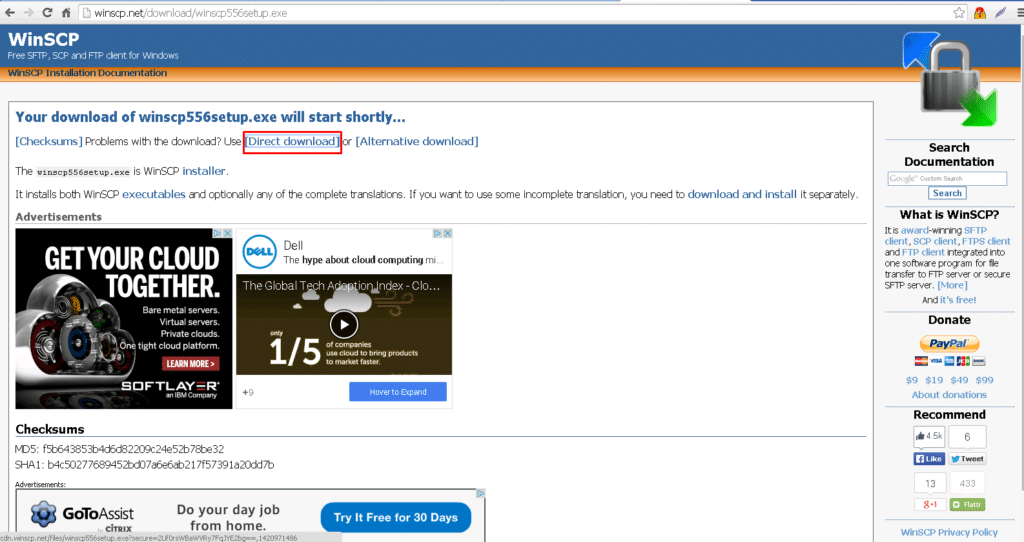
This can be downloaded here: http://winscp.net/download/winscp556setup.exe
When you access page, if download does not begin then click on “Direct Download” as shown below.
Once you have downloaded and installed one of the clients, you will be ready to FTP to your server. Be sure to follow the user guides, or YouTube videos for the usage of these FTP clients.